

English
Document checks for transport operators
Check driving licences and qualification documents at the depot. Drivers use the device themselves, with results feeding into your existing processes.
For transport operatorsDocuments authenticated and verified – in seconds.
AVE Identity checks passports, ID cards and driving licences for authenticity. Checks run on site, with a clear result on screen.
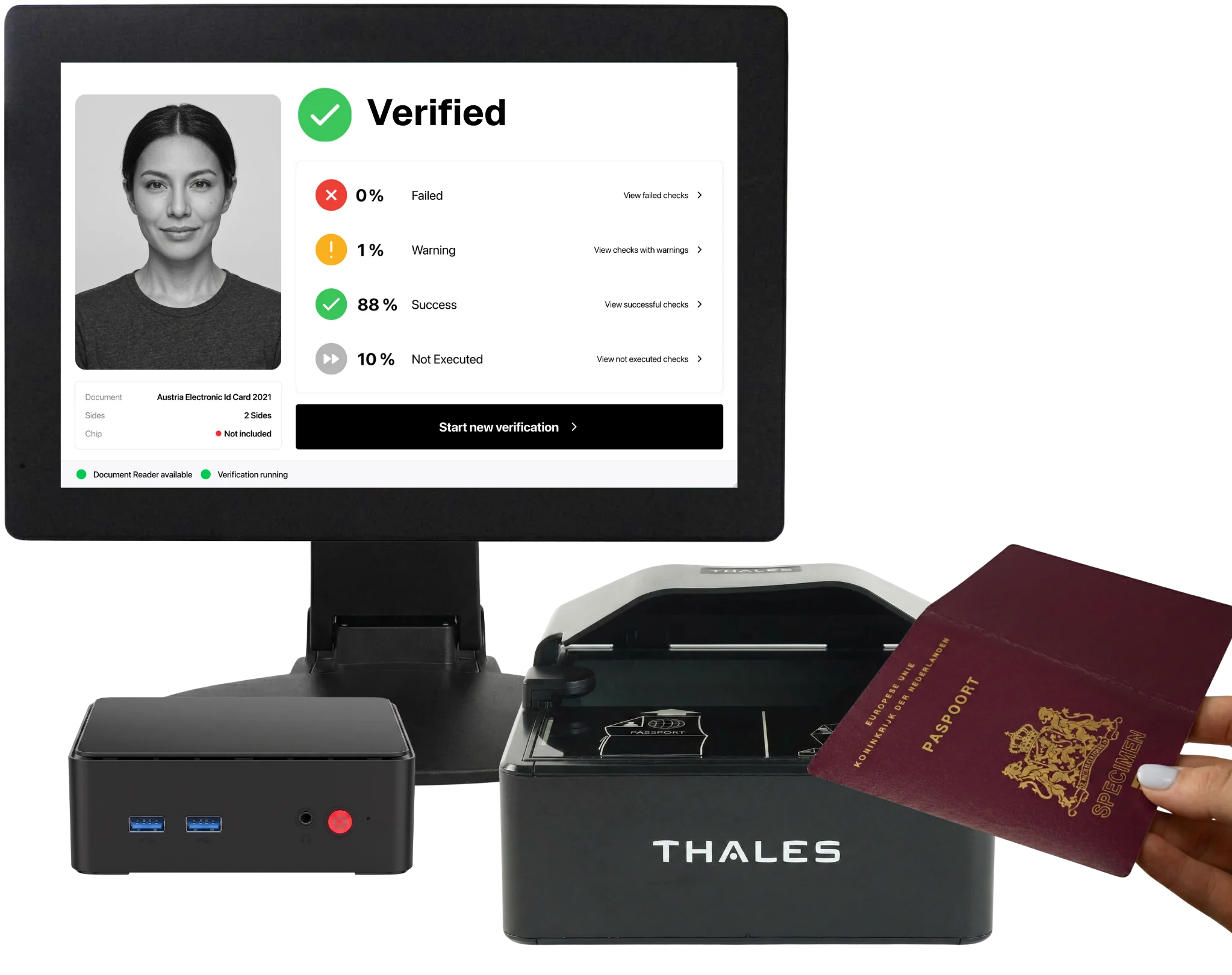
Is this ID document genuine?
A quick look at an ID document is still routine in many organisations. But some signs of tampering are hard to spot with the naked eye. AVE Identity automatically checks the available security features and shows within seconds whether the document passed or needs a closer look.
How it works
Place the document. Read the result.
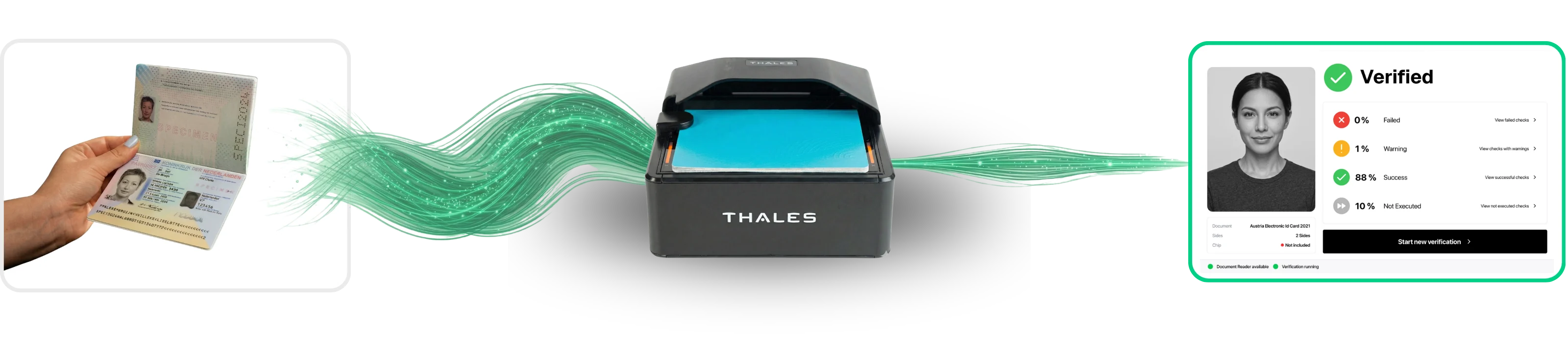
Place the document
Place a passport, ID card, driving licence or supported employee card on the Thales AT10K scanner.
AVE runs the checks
AVE checks optical features, the machine readable zone (MRZ), chip data and certificates. The checks available depend on the document.
Read the result
The result appears on screen within seconds. AVE flags any issues for review. Results can also be sent to the AVE platform.
Why AVE
Check more than you can see at a glance.
Multiple features checked together
AVE assesses optical security features, the MRZ, chip data and certificates together, where the document contains them and they can be checked.
Local processing
In standalone mode, AVE processes document data on the device. No cloud transfer is required for the check.
Professional scanners
Scanners such as the Thales AT10K capture documents and their security features for automated checks.
Traceable results
When logging is enabled, check results can be recorded and reviewed later.
Deployment options
Use it on its own or connect it to your systems.
Standalone
Use AVE at a workstation, kiosk or customer service desk.
Workstation
Staff place the document on the scanner and read the result on screen.
Kiosk
Users place their own document on the scanner. Face matching is available as an option.
Service desk
Staff check documents at the counter or reception desk.
Integrated
Connect AVE to your existing systems or link multiple devices through the AVE platform.
Connect via webhooks
Send check results directly to your existing systems.
Workflows on the platform
Set up your document checking workflows on the AVE platform.
Self service
NewCheck ID documents without tying up staff.
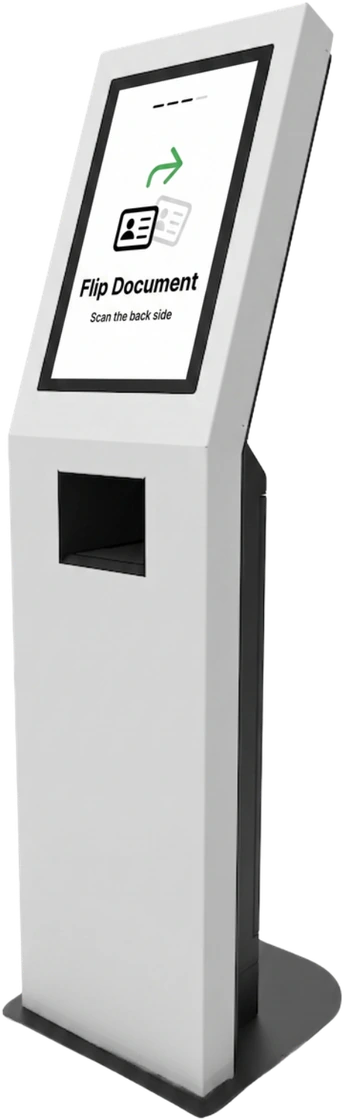
Users place their own document on the scanner. The kiosk guides them through the check and displays the result on screen.
Guidance at every step
The screen shows users what to do next, including when to turn the document over.
All devices in one place
Connect and manage multiple kiosks centrally through the AVE platform.
Use cases
Where document checks are part of the job.
Access control
(regulated and security sensitive facilities)
Driver qualification checks
(public transport and road haulage)
Human resources
(new starters and external staff)
Privacy
Document checks that run locally.
AVE checks documents on the device, with no cloud required. Your configuration determines whether results are stored or sent to other systems.
Checks on the device
Checks run locally. No document data or check results are stored by default.
Works without internet access
Settings and updates can be installed via USB. Online updates are optional.
Restricted access
Encryption and access controls protect the data. Only authorised users have access.
See it in action
How do you check documents today?
In a personal demo, we will show you AVE Identity and discuss how document checks can fit into your processes.
You can also reach us at info@ave-solution.com
Supported by



Supported by Austrian innovation and export funding programmes.